Free AI to Decorate a Room: What You Actually Get Without Paying
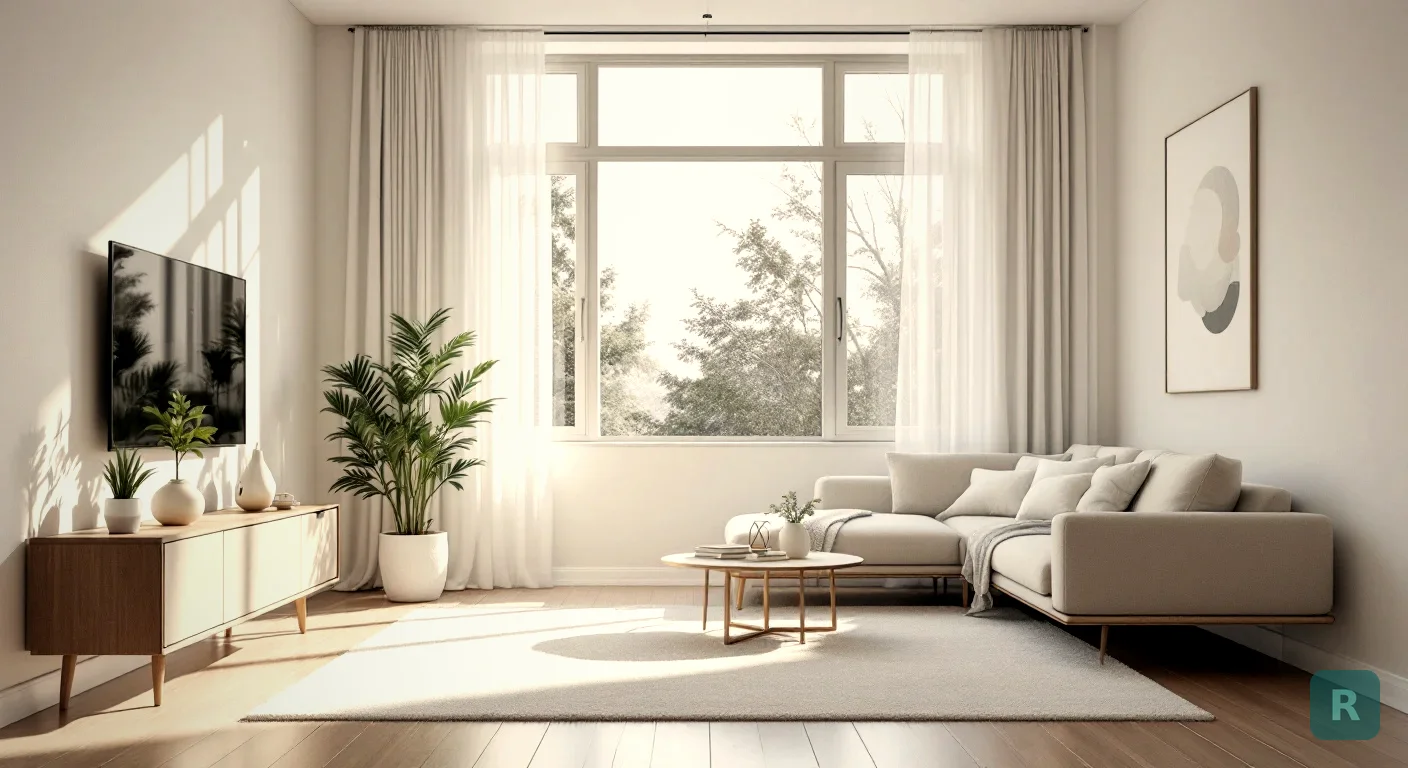
Every free tool has a wall in it somewhere. The trick is knowing where the wall is before you waste your shots on it.
I’ve been doing remodels for over 20 years, third generation on my dad’s side, and I’ve watched homeowners burn a whole weekend on free design apps and end up with nothing they can hand a contractor. Not because the tools are bad. Because nobody told them how the free part works.
- Most free AI room tools give you a small number of renders, not unlimited ones
- The photo you feed it matters more than the tool you pick
- Spend free renders on styles you'd never choose, not the one you already like
- Free AI decorates. It does not tell you what's behind the wall.
What “Free” Actually Buys You
Free almost never means unlimited. It means a trial run with a hard stop.
With ReVision AI, free gets you three transformations. Three photos in, three finished rooms out, no card on file. That’s enough to answer the question “what could this room even look like,” which is the question most people are actually stuck on.
Other tools structure it differently. Some give you a credit pool that drains fast. Some render free but slap a watermark across the middle of the image, which is useless the second you try to show it to a contractor or a spouse.
Read the limit before you upload. It takes ten seconds and it saves you the frustration of getting cut off two renders into a good idea.
Why the Render Limit Isn’t the Real Problem
Here’s what surprised me the first time I watched someone use one of these. They didn’t run out of renders. They ran out of good input.
Three thoughtful renders beat thirty careless ones. People blow their free credits shooting a dark corner of the room at a weird angle, get mush back, and decide AI doesn’t work. The AI worked fine. It just got handed a bad photo.
This is the same thing that happens with bids. Garbage measurements in, garbage number out. Measure twice, cut once applies to pixels too.
Shoot the Photo Like It Matters
Before you spend a single free render, take five minutes on the photo. This is the highest-leverage thing you can do, and it costs nothing.
Natural light beats a ceiling fixture every time. Shoot mid-morning if you can. Turn off the overheads so you don't get that yellow cast fighting the daylight.
Back yourself into a corner or the door opening so you capture two walls and the floor. A tight shot of one wall gives the AI almost nothing to work with.
Cereal boxes, mail piles, the dog bowl. Every object in the frame is something the AI has to decide what to do with, and clutter shows up in the result.
Tilt the camera up and the walls lean in like a funhouse. Keep it flat at chest height and the room comes back square.
I’ve had clients send me jobsite photos for years, and the difference between a useful photo and a useless one is almost always these four things.
Spend Free Renders on Styles You’d Never Pick
This is the part most people get backwards.
If you already know you want modern farmhouse, running modern farmhouse is the least useful thing you can do with a free render. You already have that picture in your head. You’re just confirming it.
The value is in the styles that surprise you. Run something off your list on purpose. I’ve watched people who were dead set on farmhouse look at a Japandi render of their own bathroom and change direction entirely, because they’d never seen those materials in their space before, only in somebody else’s photos on Pinterest.
Three free renders, used well:
- One style you’re already leaning toward, as your baseline
- One style that’s the opposite of that
- One wildcard you’d never have picked off a list
Browse the full style list first so you’re choosing deliberately instead of tapping whatever’s on top. And if you’re stuck at the earlier stage of not knowing what you want at all, I wrote a whole piece on using AI to help decorate a room when you can’t name the look you’re after.
Where Free Tools Quit on You
Free tiers are honest about what they are if you actually read them. Here’s the pattern across most AI room tools, including ours.
| What you want to do | Free tier | Paid tier |
|---|---|---|
| See one room in a few styles | Yes | Yes |
| Try every room in the house | No, you'll run out | Yes |
| Iterate on the same room repeatedly | No | Yes |
| Compare options with a contractor on site | Rarely enough renders | Yes |
| Clean image with no watermark | Varies by app | Usually yes |
The honest read: free is right for one room and a decision. It’s the wrong tool for a whole-house project where you’re going to want twenty passes before anything feels settled.
ReVision Pro runs $4.99 a month for unlimited transformations. For context, that's less than the drop cloth and painter's tape on a single room. If you're mid-project and iterating, it pays for itself the first time it keeps you from ordering the wrong tile. Full breakdown on the pricing page.
Free Decorating Won’t Fix a Broken Room
This is where I have to put my contractor hat back on.
AI will happily show you a gorgeous bathroom sitting on top of a subfloor that’s rotting. It has no idea. It sees pixels, not moisture. Out here in the Pacific Northwest, water damage behind walls is the number one thing that blows up a remodel scope, and no design tool is going to warn you about it.
Decorating and remodeling are two different jobs. If you’re changing paint, furniture, fixtures, and finishes, free AI is genuinely all you need to make the call. If you’re moving plumbing, taking out a wall, or touching anything on a house built before current code, the render is the fun part and the actual scope is a conversation with somebody who’s opened up walls before.
I’ve been burned underbidding jobs where the hidden work showed up on demo day. Rot, old wiring, plumbing that was never right. Nothing on a screen predicts that.
A visualization shows intent, not scope. Bring it as "this is the direction I want," then let the contractor tell you what it takes to get there. Homeowners who treat a render as a fixed quote end up in change-order fights they didn't need to have.
What It Replaces
For years my workaround was asking homeowners to go build a Pinterest board, then showing them photos of my own past projects to bridge the gap. It half worked. The problem is that none of those photos are of their room, with their window in the wrong place and their ceiling height and their awkward corner.
Hiring a designer solves that, but design fees are overhead most bathroom budgets can’t absorb. That’s the gap. Most contractors are builders, not designers, and homeowners get stuck between the two.
Three free renders of your actual room closes more of that gap than a hundred saved pins ever did. You can see what our before-and-afters look like in the gallery if you want a sense of the output before you shoot anything.
Do This With Your Three Free Renders
- Pick one room and commit to it, don't spread three renders across three rooms
- Open the blinds, kill the overheads, clear the surfaces
- Shoot from the doorway, phone level, two walls in frame
- Render your favorite style first as a baseline
- Render the opposite of it second
- Render one style you'd never have chosen, third
- Sit on all three overnight before you decide anything
- Only then decide if you need unlimited passes or if you already have your answer
That last one is the whole point. A lot of people never need to pay, because three good renders answered the question. That’s fine by me. The tool did its job.
Ready to see your own room instead of somebody else’s? Download ReVision AI and run your three free transformations this weekend.
Get Design Inspiration Weekly
Fresh room makeover ideas, renovation tips, and style guides delivered to your inbox.
Design tips and inspiration only. Unsubscribe anytime.
Related Articles
Bathroom Designers: Who to Hire, What They Charge, and How to Prep
Bathroom designers come in four kinds and charge four ways. A contractor explains which one fits your remodel and how to show up ready to the first meeting.
8 min readApartment AI: How to Redesign a Rental You Are Not Allowed to Renovate
Apartment AI tools let renters see a redesigned space before spending a dollar. A contractor explains what actually changes a rental and what just wastes money.
8 min readAI Restaurant Design: Testing a Dining Room Before You Gut It
AI restaurant design turns a photo of your dining room into a finished concept in seconds. A remodeler's honest take on what it solves and what it hides.
8 min read