Room Decor AI: How to Style Any Room From a Single Photo
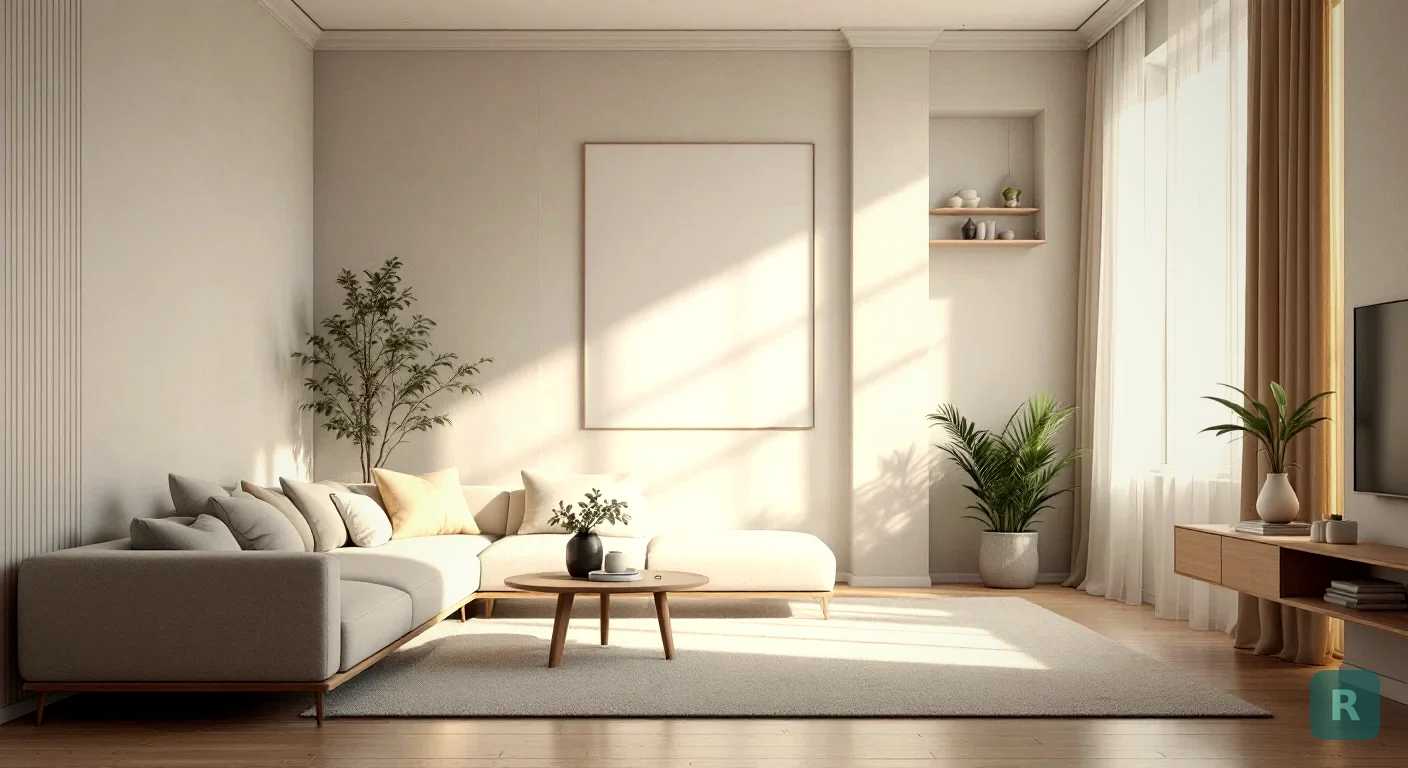
Picture this. You walk into your living room and you know it’s off. The furniture fights the room. The colors feel tired. But ask yourself what it should look like instead, and you draw a blank.
That blank is the whole problem. Most people can’t see a finished room in their head. I’ve watched it happen on a hundred jobsites.
Room decor AI fixes that. You snap a photo, pick a look, and watch the room redraw itself in seconds.
Key Takeaways
- Room decor AI takes a real photo of your space and restyles it in a chosen look, keeping the actual walls, windows, and layout.
- It works best when you shoot a clean, well-lit photo of the whole room from a corner.
- Use it to compare styles side by side before you spend money on paint, furniture, or a contractor.
- The goal is direction, not a literal shopping list. Treat the output as a vision, then build toward it.
What Room Decor AI Actually Does
Old design tools made you build a room from scratch. Drag a sofa here. Pick a wall color there. Spend an hour and end up with something that looks nothing like your actual space.
Room decor AI flips that. It starts from your room, the real one, with your real windows and your real ceiling height. Then it restyles what’s already there.
You’re not designing a generic room. You’re seeing your room, changed. That difference matters more than it sounds.
The AI reads the geometry of the space. It understands where the floor stops and the wall starts, where the light comes from, how the room is shaped. Then it paints a new style over that structure.
Swap the cabinets. Change the flooring. Drop in new furniture and lighting. The bones stay. The look transforms.
Why a Photo Beats a Mood Board
I spent years asking clients to go find pictures they liked. Pinterest boards. Magazine tear-outs. Photos of my past jobs.
It half worked. They’d show me a gorgeous kitchen from some house in California with twelve-foot ceilings and a wall of windows. Their kitchen had eight-foot ceilings and one window over the sink.
The inspiration was real. The fit was not.
Stand in a corner, hold the phone level, and get as much of the room in frame as you can. Open the blinds and turn on the lights. A bright, wide shot gives the AI more to work with and gives you a redesign that actually looks like your space.
When the redesign happens on a photo of your own room, the scale is honest. You see how that dark moody paint reads in a room that only gets light from the north. You see whether the big sectional swallows the floor or fits it.
That’s the part a mood board can never give you.
Picking a Style That Fits the Room
Here’s where people get stuck. Eleven styles, all of them nice, and no idea which one belongs in their house.
Start with what the room already tells you. A space with lots of natural light and clean lines leans Scandinavian or Japandi without much of a fight. A room with exposed brick or a concrete floor wants Industrial. Older home with character? Mid-Century Modern or a warm Farmhouse usually clicks.
Don’t overthink it. Test three. Let your eye tell you.
You can browse every option on the styles page and see what each one actually looks like before you commit a photo to it. Some of them you’ll rule out in two seconds. That’s the point. Narrowing fast is half the work.
From Blank Stare to Clear Direction
The real value shows up when you stop guessing and start comparing.
Run the same room through three styles and lay the results next to each other. Suddenly the choice isn’t abstract. One of them is going to jump out, and you’ll know.
That’s the moment I used to spend whole consultations chasing. Now it takes a homeowner about ten minutes on their couch.
How It Helps Before You Spend Real Money
A redesign on a screen is cheap. Paint, flooring, and furniture are not. Getting the direction right before you buy is where this pays off.
Use the output to plan in a sane order:
- Lock the style first. Decide the overall look before you shop for a single thing.
- Pull your palette from the image. The wall color, the wood tone, the accent shade. Those become your buying guide.
- Match real products to the vision. Take the redesigned look to the store instead of wandering the aisles hoping something clicks.
| Approach | Time | Cost to Test | Risk of Regret |
|---|---|---|---|
| Buy and hope | Weeks | Full price | High |
| Hire a designer | Days to weeks | $$$ | Low |
| Room decor AI first | Minutes | Free to start | Low |
I’m not telling you AI replaces a good designer on a complex remodel. It doesn’t. What it does is get you to a clear vision for free, so the money you do spend goes toward the right thing.
The AI might place a light fixture that doesn't exist or a counter material you'd never source. That's fine. You're after the overall feel and the palette, not a literal shopping receipt. Take the vision, then find real products that get you there.
Where Contractors Fit In
I build kitchens and bathrooms for a living. The hardest part of a sale was never the work. It was getting the homeowner to picture the finished room well enough to say yes.
That’s the design gap. Most contractors are builders, not designers. We can frame a wall straight and set tile dead level, but we can’t always hand a client a vision they can feel.
A room decor AI image closes that gap on the spot. The homeowner sees their own space transformed, gets excited, and the project moves. No expensive design retainer. No waiting.
Where AI Room Decor Falls Short
I’m not going to oversell this. AI is great at vibe and terrible at math. Here’s what it won’t do for you.
It cannot give you accurate measurements, structural plans, code compliant electrical layouts, or a real bid. It does not know that the wall you want to remove is load bearing. It will happily show you a stunning kitchen island in a spot where the gas line lives.
The output is a picture, not a plan. Don’t show your contractor an AI render and expect them to build that exact thing. Show them the AI render to communicate the direction, then let them tell you what’s actually possible in your house, with your budget, on your timeline.
Some other gotchas I’ve noticed using these tools myself:
- Small details get weird. Outlets, switches, and trim sometimes morph into something that doesn’t exist in real life
- Furniture proportions can be off. A render might show a couch that’s two feet too long for the actual room
- Style names are loose interpretations. One app’s “Japandi” is another app’s “Scandinavian.” Look at the result, not the label
- Lighting changes the mood more than you think. A bright daylight render will look very different from how the same finishes feel at night
How AI Room Decor Compares to Other Visualization Options
Before AI tools existed, homeowners had a few options for visualizing a remodel. Most of them were slow, expensive, or both.
| Option | Cost | Time | Output Quality |
|---|---|---|---|
| Hire an interior designer | $2,000-$10,000+ | 2-6 weeks | Excellent, custom |
| 3D rendering software | $30-$100/month | Hours per room, learning curve | Very good if you can drive it |
| Pinterest mood board | Free | Hours of scrolling | Inspiration only, not your room |
| AI room decor app | Free to $5/month | Seconds per render | Good for direction, not for plans |
For most homeowners, AI room decor sits in the sweet spot. Cheap enough to try, fast enough to compare options, and accurate enough on style to make a real decision. It doesn’t replace a designer for a high end project, but most remodels don’t need a designer in the first place. They need a clear vision and an honest contractor.
Free vs Paid AI Room Decor
A lot of people ask if the paid tier is worth it. Depends on how much you’re going to use it. Three free renders is enough to get a feel for whether the tool is useful. If you’re remodeling more than one room, or you want to test a lot of style options, the paid tier pays for itself fast.
ReVision AI is $4.99 a month for unlimited transformations. That’s about the price of a coffee, and it gives you the freedom to try every style on every room without thinking about it. Compare that to the cost of repainting a room because you didn’t like the color, and the math gets pretty clear.
You can see exactly what’s in each tier on the pricing page.
Try It on Your Own Room
Enough theory. The fastest way to understand this is to point your phone at the room you’ve been staring at and watch it change.
- Pick your worst room. The one that makes you sigh. That’s your test case.
- Take one clean, wide photo. Corner of the room, lights on, blinds open.
- Run it through three styles. Don’t marry the first one. Compare.
- Pull the palette and key pieces from the version you love most.
- Shop or plan against that vision instead of guessing in the store.
See what your space could look like. Try it free with ReVision AI and run your first three transformations on the house, no charge.
Get Design Inspiration Weekly
Fresh room makeover ideas, renovation tips, and style guides delivered to your inbox.
Design tips and inspiration only. Unsubscribe anytime.
Related Articles
Bathroom Designers: Who to Hire, What They Charge, and How to Prep
Bathroom designers come in four kinds and charge four ways. A contractor explains which one fits your remodel and how to show up ready to the first meeting.
8 min readApartment AI: How to Redesign a Rental You Are Not Allowed to Renovate
Apartment AI tools let renters see a redesigned space before spending a dollar. A contractor explains what actually changes a rental and what just wastes money.
8 min readAI Restaurant Design: Testing a Dining Room Before You Gut It
AI restaurant design turns a photo of your dining room into a finished concept in seconds. A remodeler's honest take on what it solves and what it hides.
8 min read