Paint AI Color Visualizer App: See the Color on Your Walls Before You Buy a Gallon
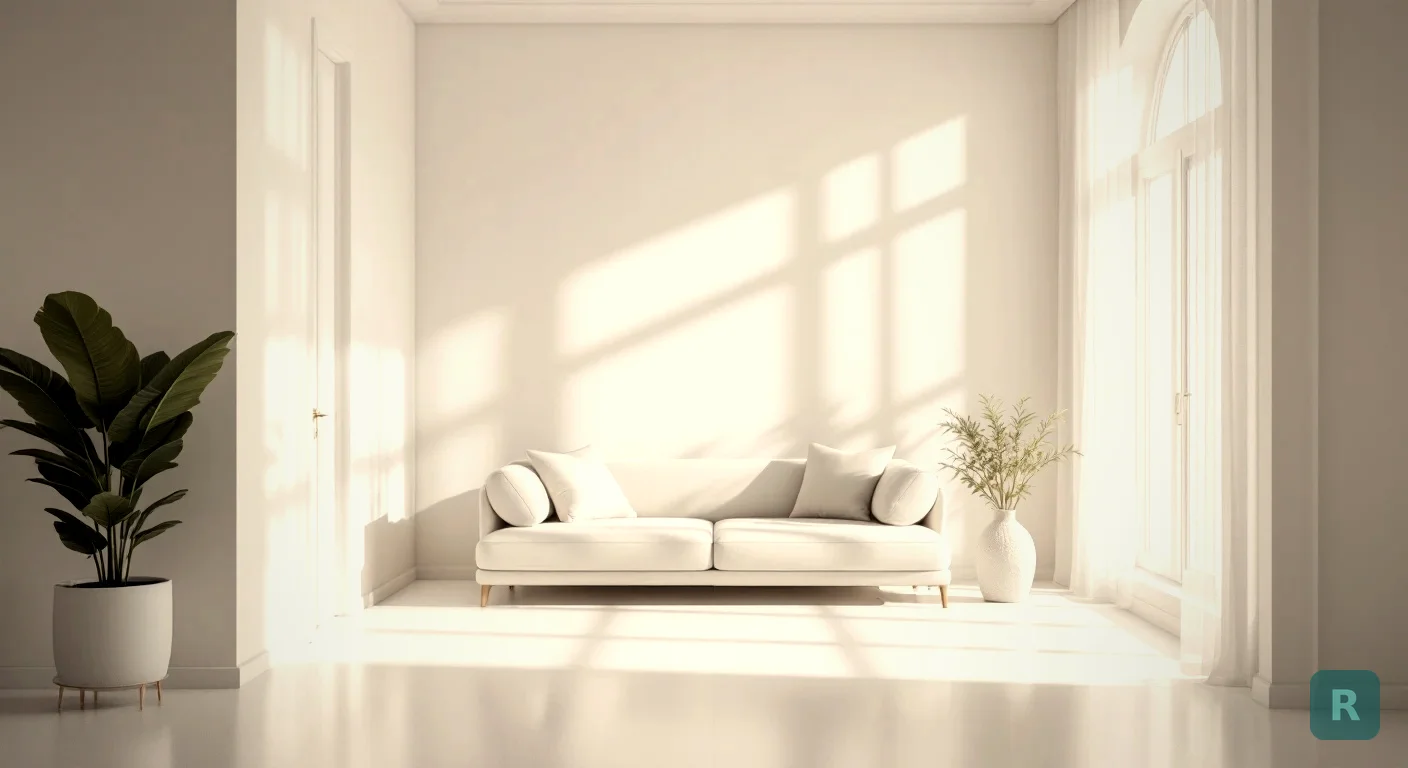
A two-inch paint chip is a liar. It tells you almost nothing about how a color reads on a whole wall, under your lights, next to your floors. I’ve watched homeowners commit to gallons of paint based on a sample the size of a stamp, then hate the result the moment the first wall dries.
A paint AI color visualizer app kills that guessing. You snap a photo of the room as it sits right now, and the app shows you that same room in a new color before anyone opens a can. No tape. No sample jars. No painting one wall just to find out it’s wrong.
I’ve spent over twenty years in the trades as a third-generation carpenter. Color is where I see the most expensive second-guessing on a job. Here’s how this tool actually earns its keep.
Key Takeaways
- A paint AI color visualizer app puts a real color on a photo of your actual room, not a chip held against the wall.
- Lighting changes everything. The same color looks warm at noon and cold at night, and a flat swatch can’t show you that.
- I use one to settle homeowner indecision fast, which saves repaints and keeps a job moving.
- Free to try, so you can test a dozen looks before you spend a dollar on paint.
- It works on your space, not a generic stock room, so what you see is what you’ll get.
Why a Paint Chip Fails You
Here’s the thing about those little chips at the hardware store. They’re printed under perfect store lighting, on a flat card, with no context around them. Your room is none of those things.
Color does not behave in isolation. It bounces off your floors, picks up tint from your trim, and shifts hard depending on whether the sun’s out or your lamps are on. A gray that looked calm on the chip can turn baby blue once it’s spread across a north-facing wall.
I’ve had clients fall in love with a color in the showroom and despise it in their living room. Same paint. Different world. The chip never had a chance.
That’s the real cost of guessing. Not just the wasted gallon, but the primer, the second color, the extra labor, and a weekend you’ll never get back.
What a Paint AI Color Visualizer App Actually Does
The idea is simple. You take a photo of your room, you pick a look or describe the color you want, and the app renders your space in that new palette. You’re looking at your own walls, your own furniture, your own light.
That last part matters more than people expect. Most online color tools drop your shade onto a stock room that looks nothing like yours. Seeing the color in your real space is the whole point. It removes the imagination step that trips most homeowners up.
With ReVision AI, you photograph the room and choose from curated design styles or type a custom prompt for a specific color direction. The app shows you the transformation in seconds, not days.
Take your photo at the time of day you actually use the room most. A bedroom you mostly see at night should be judged under lamp light, not bright noon sun. The color you choose should win in the light that matters to you.
How I Use It on Real Jobs
When a homeowner can’t decide on a color, the project stalls. Materials wait. The crew waits. I wait. Indecision is one of the most expensive things on any remodel, and color is where it shows up most.
So I hand them a visualizer and let them see it. Watching your own living room flip from beige to deep green on the screen does something a fan deck never could. It makes the choice real.
Three or four renders in, they know. We lock the color, order the paint, and the job keeps rolling. That’s not a small thing. That’s the difference between a project that finishes on time and one that drags for an extra week over a paint chip.
A Smarter Order of Operations
Picking paint isn’t the first step. It’s one of the last, and most people do it backward. Here’s the order I walk clients through.
Clear, straight-on shot in your everyday lighting. This is your starting canvas.
Render a light version and a dark version before fine-tuning. It tells you which direction the room wants to go.
Once you're in the right family, compare two close shades side by side instead of twenty.
Confirm your top pick with a real sample on the wall, then order with confidence.
That sample step still matters. A screen is close, but real paint on real drywall is the final word. The app just gets you to the right one or two colors instead of agonizing over a wall full of swatches.
App vs the Old Way
I’m not anti-swatch. I’m anti-wasting money. Here’s how the two approaches stack up.
| Factor | Paint Chips | Visualizer App |
|---|---|---|
| Sees your real room | No | Yes |
| Shows true lighting | No | Yes, from your photo |
| Colors you can test | A few before it's a chore | As many as you want |
| Cost to experiment | Sample jars add up | Free to start |
| Time to see a result | Hours of taping and waiting | Seconds |
The app doesn’t replace good judgment. It just removes the blindfold. You still decide. You’re simply deciding with real information instead of a postage-stamp guess.
Not Just Paint Color
One thing worth knowing. A color visualizer that runs on full-room AI can do more than swap paint. It can show your space in a whole new style, which helps when the color is only part of what you’re after.
Sometimes the wall color isn’t the real problem. The room feels off, and color is just the thing you reached for. Seeing the space restyled tells you whether you need new paint or a bigger rethink. You can browse the full set of styles to see how far a single photo can take you.
Picking Colors That Actually Work Together
A room is not one color. It’s the wall color talking to your trim, your floor, and your furniture. A visualizer lets you check that whole conversation at once.
I tell homeowners to think in three layers. Walls set the mood. Trim and ceiling frame it. Furniture and decor are the accents.
| Room | Safe Bet | Bolder Move | Watch Out For |
|---|---|---|---|
| Small bathroom | Soft white, pale blue | Deep navy, forest green | Dark colors shrinking the space |
| North-facing room | Warm cream, soft beige | Terracotta, mustard | Cool grays going cold and flat |
| Kitchen | Greige, warm white | Sage, charcoal lower cabinets | Clashing with countertop undertones |
| Open living area | Greige, soft taupe | Two-tone accent wall | Color flowing oddly into next room |
The undertone trap gets the most people. A gray with a blue undertone next to a warm oak floor fights you. Seeing both in the same photo is how you catch it before the brush comes out.
A Quick Note on Color Psychology
Paint isn’t just decoration. It changes how you feel in a room. Cool blues calm you down. Warm earth tones feel grounding. Bright whites can feel energizing in the morning and stark at night. A visualizer helps you see the color, but you still need to ask yourself the harder question: how do I want to feel when I walk in here?
That question gets ignored a lot. People pick what’s trendy on Pinterest instead of what suits the room and the way they live. The visualizer is a tool. Your taste still drives the choice.
The Money Side of Getting It Right
Repainting because you guessed wrong isn’t just paint cost. It’s primer, tape, your time, and the days you stare at a color you can’t stand while you save up to redo it.
A mid-size room runs real money once you count materials and labor. Doing it twice doubles that for nothing.
Now run that across a whole house and you see why I push the visualizer hard. Thirty seconds of checking saves a few hundred dollars and a wasted weekend. That math always wins.
Your Move Before You Paint
Here’s exactly what I’d do before you buy a single gallon.
- Download ReVision AI and snap a photo of the room in your normal lighting.
- Render a light option and a dark option to find the room’s direction.
- Narrow to two finalist colors and compare them side by side.
- Buy one real sample of your top pick and brush it on the wall.
- Live with it for a day, check it morning and night, then commit and order.
Do that and you’ll never roll a wrong color again. See what your room could look like, try it free with ReVision AI, and pick your color with your eyes open instead of crossed fingers.
Get Design Inspiration Weekly
Fresh room makeover ideas, renovation tips, and style guides delivered to your inbox.
Design tips and inspiration only. Unsubscribe anytime.
Related Articles
Bathroom Designers: Who to Hire, What They Charge, and How to Prep
Bathroom designers come in four kinds and charge four ways. A contractor explains which one fits your remodel and how to show up ready to the first meeting.
8 min readApartment AI: How to Redesign a Rental You Are Not Allowed to Renovate
Apartment AI tools let renters see a redesigned space before spending a dollar. A contractor explains what actually changes a rental and what just wastes money.
8 min readAI Restaurant Design: Testing a Dining Room Before You Gut It
AI restaurant design turns a photo of your dining room into a finished concept in seconds. A remodeler's honest take on what it solves and what it hides.
8 min read