Bathroom Remodel AI: How I Use Visualization Tools on Real Renovations
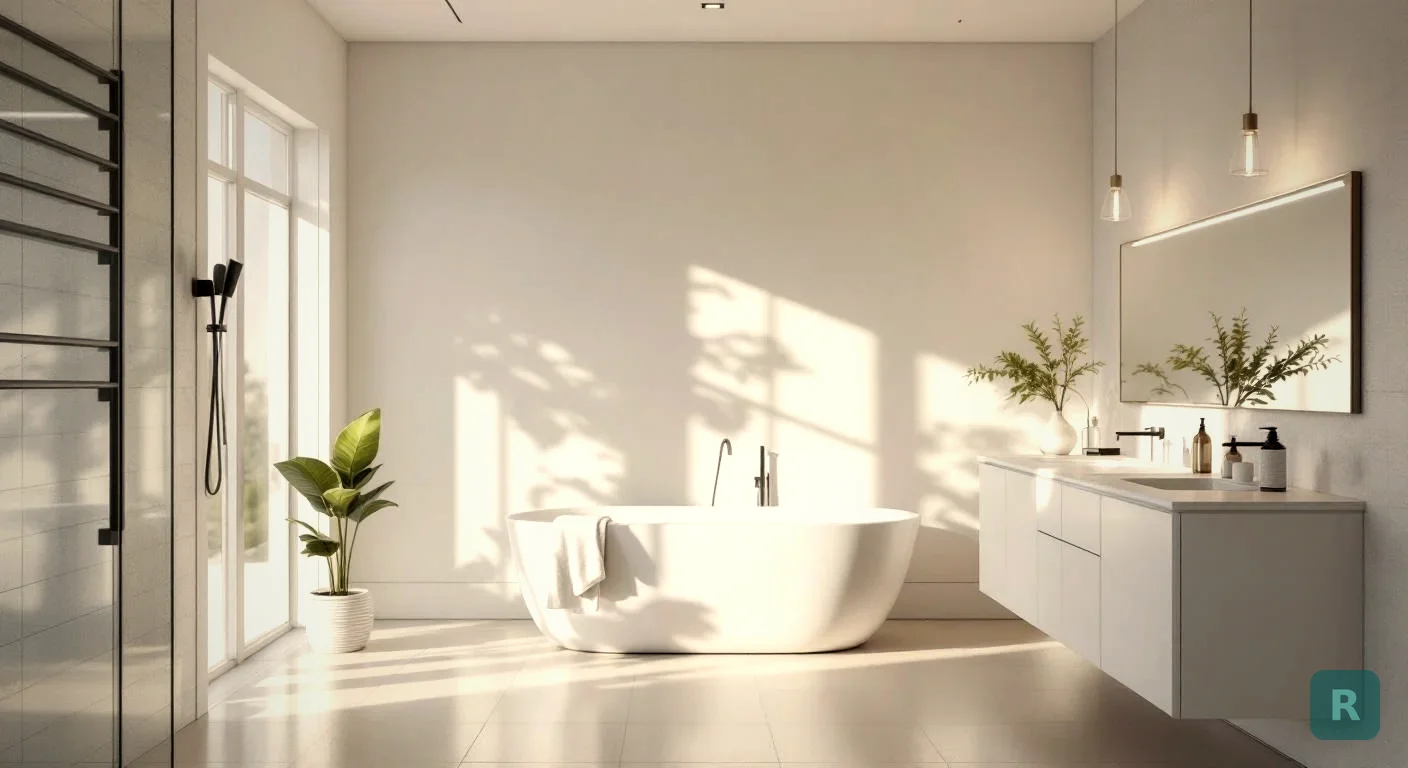
I’ve torn out bathrooms in PNW houses older than my grandfather. Rotten subfloor under the toilet. Galvanized supply lines that should have been swapped out thirty years ago. Demo day always tells me something the homeowner didn’t expect.
But the surprise that actually kills bathroom remodels isn’t hidden rot. It’s a homeowner who realizes mid-project that they don’t actually like the tile they picked. By then, the saw blade is dull and the cement board is in.
That’s the design gap. Bathroom remodel AI is the first tool I’ve seen that closes it.
The Short Version
- Bathroom remodel AI shows you what tile, vanity, and layout choices look like in your actual bathroom, not a Pinterest mood board.
- Mid-job design changes can add 15 to 25 percent to a remodel budget.
- I run AI visualization with clients before demo to lock in finish choices and avoid expensive change orders.
- The tools work best for surface decisions: tile, paint, vanity style, fixture finish. They are not a replacement for plans or permits.
- Free tiers will get you most of the way there. Paid versions iterate faster.
What Bathroom Remodel AI Actually Does
You snap a photo of your existing bathroom. The AI takes that photo and shows you the same room redesigned in a different style. Tile changes. Vanity changes. Color palette changes.
What sets it apart from a Pinterest board is that the room in the rendering is your room. Same window placement. Same ceiling height. Same awkward corner where the plumbing stack runs.
I’ve watched AI tools turn an outdated 1970s bathroom into a Japandi spa in about thirty seconds. Same footprint. Same toilet location. Just a completely different look. That’s what closes the gap between “I don’t know what I want” and “let’s do this.”
Why Bathroom Remodels Stall in the Design Phase
Most homeowners come to me with one of three problems. They have never remodeled before and have no clue what is possible. They have been on Pinterest so long they have ten different visions and cannot pick. Or they like one style on the wall but a different style for the vanity, and the two do not go together.
All three problems share the same root cause. They cannot see the finished room until I have already built it. And by then, changes cost real money.
Here is a typical scenario. A client picks subway tile for the shower. Two weeks in, they see a coffee shop with handmade zellige tile and decide they want that instead. The subway is already up, the grout is cured, and we are talking about a tear-out plus a reorder plus another week on the schedule.
That kind of change order can run $2,000 to $5,000 on a bathroom job. AI visualization does not eliminate the risk completely. But it cuts way down on the “I didn’t realize it would look like that” surprises.
How I Use AI Visualization Before Demo Day
This is the workflow I run with my own clients now. It takes maybe an hour and saves a week of indecision.
Two or three photos. Wide angle from the door. Vanity wall. Shower or tub area. Good lighting if possible.
I usually run modern farmhouse, Japandi, and contemporary. Three is enough to spark a reaction. Five is too many and the client freezes up.
I print the renderings or pull them up on a tablet. Watch the client's face. They almost always lock in on one within ten minutes.
Once they pick, I source tile, vanity, fixtures, and paint to match. The render becomes the reference document for the whole job.
If you want to try this on your own bathroom before calling a contractor, download ReVision AI and run a few styles on your existing space. Three free transformations will tell you a lot about what you actually like.
Where AI Visualization Helps Most
Not every part of a bathroom remodel benefits equally from AI. Here is where I have seen it earn its keep, and where it falls flat.
| Decision | AI Helps | Why |
|---|---|---|
| Tile pattern and color | Yes, big time | Hardest thing for clients to picture, AI nails it |
| Vanity style and finish | Yes | Quickly compares wood tones, paint colors, hardware |
| Paint color | Yes | Far better than holding a swatch up to the wall |
| Lighting placement | Sort of | Shows fixture style but not actual light quality |
| Layout changes | No | AI does not move plumbing, you need a real plan |
| Structural decisions | No | Load-bearing walls, joists, code compliance need a pro |
The pattern is simple. AI is great for surface decisions and weak on structural ones. Use it to pick the look. Use a contractor or designer to figure out what is actually buildable in your space.
The Honest Limits
I want to be straight about what AI cannot do, because some homeowners get the wrong impression from the demo videos.
AI renderings will not flag the rotten subfloor, the venting that does not meet code, the joist you cannot move, or the budget reality of the finishes you picked. The render shows you the dream. A walkthrough with a contractor shows you what it will actually cost and take.
I had a client last year who fell in love with a render featuring a freestanding soaker tub, a curbless shower, and floor-to-ceiling marble. Beautiful image. The bathroom was 5x8. The tub alone would not fit, and the marble would have doubled her budget.
That was not the AI’s fault. It rendered exactly what she asked for. The rendering did not know the room was 40 square feet or that the floor would not support a 600-pound tub full of water.
So we ran a second round of renders constrained to her actual layout. Smaller alcove tub. Subway tile with a marble accent strip. Same vibe, half the cost. She loved it.
Free vs Paid Bathroom Remodel AI
Most of these tools have free tiers. Here is what you actually get for nothing versus a few dollars a month.
For most homeowners doing one bathroom, the free tier is plenty. Snap a few photos, run two or three styles, pick a direction, and you are done. If you are a contractor running multiple jobs or a flipper doing a house at a time, the paid tier pays for itself fast.
You can browse the 11 styles ReVision AI offers before downloading. Japandi, modern farmhouse, coastal, and Scandinavian tend to be the most popular for bathrooms. Mid-century modern and industrial work great for powder rooms.
Lock In the Design Before You Lock In the Contract
Here is the order I recommend for any bathroom remodel right now.
- Take photos of your current bathroom from at least three angles.
- Run those photos through a bathroom remodel AI app with three different styles.
- Pick the direction you actually love, not just the one that looks safe.
- Build a rough finish list from the render: tile, vanity, paint, fixtures.
- Bring all of it to your contractor consultation.
- Get a real estimate based on the actual finishes, not vague "mid-range" assumptions.
- Add 15 to 20 percent contingency for the surprises that always come up behind the walls.
I have watched this process turn six-week design phases into one-week design phases. The homeowner stops second-guessing. The contractor knows exactly what to bid. And demo day starts with a finish schedule everyone agrees on.
If you want to see what your bathroom could look like in any style before you spend a dollar on tile, Try it free with ReVision AI. Snap one photo and you will know more about your remodel in five minutes than most homeowners learn in a month of Pinterest scrolling.
Get Design Inspiration Weekly
Fresh room makeover ideas, renovation tips, and style guides delivered to your inbox.
Design tips and inspiration only. Unsubscribe anytime.
Related Articles
Retiling a Shower: When New Tile Is Enough and When It All Comes Out
Retiling a shower? A contractor explains regrout vs retile vs full tear-out, what's hiding behind old tile, what retiling costs, and how to pick the new look.
8 min readAverage Cost of Custom Cabinets: What You Pay Per Foot, and When It's Worth It
The average cost of custom cabinets runs $500 to $1,200 per linear foot installed. A carpenter explains what custom buys you, and when semi-custom is enough.
8 min readLuxury Remodeling: What You're Really Paying For (and What's Worth It)
Luxury remodeling costs more for reasons you can't see in photos. A contractor explains where the money goes, what reads high-end, and what's wasted spend.
8 min read