AI Interior Designers: What They Actually Do (And Where They Fall Short)
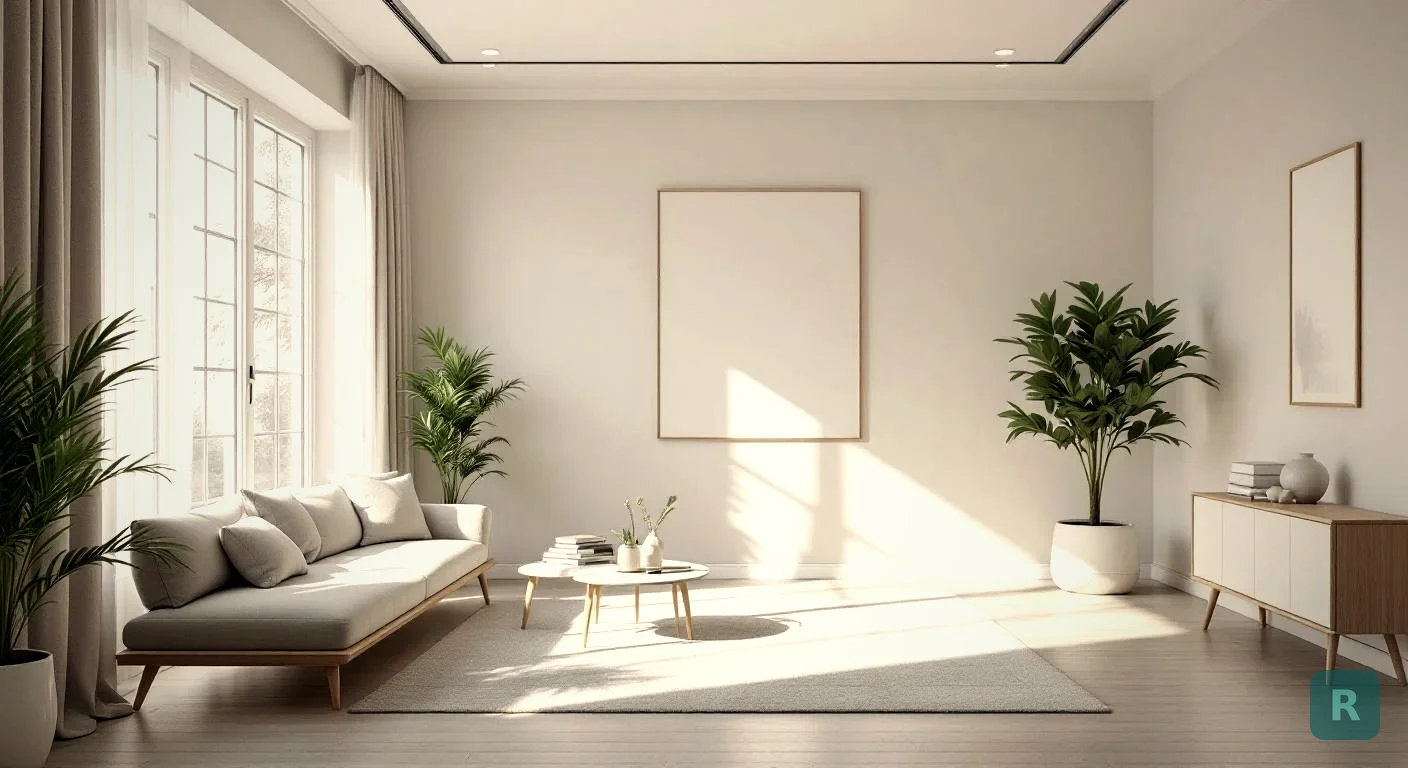
I’ve been a remodeling contractor for two decades. The single biggest reason homeowners stall on a project is not money. It’s that they can’t picture what their finished space will look like. That’s the gap AI interior designers are filling right now, and it’s changing how my clients make decisions.
Key Takeaways
- AI interior designers are software tools, not replacements for licensed pros on structural work
- They cost $0 to $30 a month versus $5,000+ for a human designer on a typical remodel
- They shine for style exploration and contractor communication, not load-bearing decisions
- The best workflow combines AI visualization with a trade-experienced contractor
- You can get usable renders in under 60 seconds on your phone
What an AI Interior Designer Actually Is
Strip away the marketing and an AI interior designer is a piece of software. You feed it a photo of your room. It returns a photorealistic rendering of that same room redesigned in the style you picked.
The good ones can swap cabinet styles, change paint colors, drop in new flooring, restage furniture, and shift the entire vibe of a space without you touching a single wall. The bad ones spit out generic stock-photo rooms that look nothing like your actual house.
The technology behind it is image-to-image generation. Models trained on millions of interior photos learn what a Scandinavian kitchen looks like, what a Bohemian bedroom feels like, what a Mid-Century Modern living room contains. When you upload your room, the model preserves the layout and architecture while replacing the surfaces and furnishings.
That preservation matters. A real AI interior designer should keep your windows where they are. Your ceiling height. Your room’s actual proportions. If the render shows a window that doesn’t exist in your space, the tool failed.
Why Homeowners Are Turning to Them
The price gap is staggering. A licensed interior designer in the Pacific Northwest charges $150 to $300 an hour and a full kitchen design package can run $5,000 to $15,000. An AI tool costs $5 to $30 a month, or free with a per-image limit.
That savings matters most for the middle-class homeowners I work with. They’re not hiring a designer. They never were going to. Before AI tools existed, the alternative was a Pinterest board and a prayer.
Here’s what changed. Now my clients show up to the first walkthrough with renders of their actual kitchen in three different styles. They’ve already seen what shaker cabinets would look like with their existing window. They’ve already ruled out the gray flooring. The conversation moves forward instead of stalling at “I don’t know what I want.”
What AI Interior Designers Do Well
Three things, mostly.
- Style exploration. You can see your bathroom as Japandi, then Industrial, then Coastal in under five minutes. No designer can match that speed.
- Quick visualization for sales. I send a client a render before our second meeting. They get excited. The job closes faster.
- Communication between homeowner and contractor. Instead of arguing about “warm” versus “cool” lighting, we look at two renders and point at the one we like.
The unlock here is speed. A traditional designer takes weeks to mood-board and present concepts. AI does it in seconds. That speed compounds when you’re trying to make 30 decisions about a single remodel.
Browse the design styles gallery to see what these tools can output. Eleven styles, ranging from Modern Farmhouse to Art Deco, all rendered on real client rooms.
Where They Fall Short
I want to be honest about this part. AI interior designers are not magic.
An AI designer cannot tell you if a wall is load-bearing. It cannot route plumbing or electrical to a new island location. It cannot pull a permit. If your project involves any of those things, you still need a contractor with field experience.
The renders are a starting point, not a buildable spec. I’ve had clients show me an AI image with a sink on an interior wall, three feet from the nearest plumbing stack. Possible to build? Yes. Cheap? Absolutely not. The AI didn’t know there was no drain there.
The other limit is photorealism versus buildability. A render can show a marble waterfall counter wrapping a 12-foot island. That doesn’t tell you the slab costs $8,000, the seam placement is tricky, and the cantilever needs hidden steel support. The image looks great. The build is complex.
I tell clients to use AI renders as a north star, not a blueprint. Get excited about the direction. Then bring in someone who’s actually swung a hammer to figure out what’s realistic.
The Cost Comparison That Surprised Me
When I started recommending AI tools to clients, I expected pushback from the design world. Instead, I started getting calls from designers asking what I was using. Even pros are using them as starting points.
| Option | Cost | Speed | Best For |
|---|---|---|---|
| Licensed interior designer | $5,000-$15,000 | 2-6 weeks | Whole-home, high-end projects |
| AI interior designer (paid) | $5-$30/month | 30-60 seconds | Single-room remodels, style exploration |
| AI interior designer (free) | $0 | 30-60 seconds | Trying before you buy, casual exploration |
| Pinterest board | $0 | Hours of scrolling | Inspiration only, no personalized view |
Every option in that table has a place. I’m not saying fire your designer if you have one. I’m saying the calculus has shifted for the 95% of homeowners who never could afford one in the first place.
How to Get Good Results From AI Tools
Garbage in, garbage out. The biggest mistake I see is people uploading dark, blurry phone photos and complaining the render looks weird.
Here’s what works.
- Shoot the room in daylight, with as much natural light as possible
- Stand in the corner so the camera captures three walls
- Clear out laundry baskets, dog beds, and Amazon boxes before snapping
- Pick one style at a time. Don’t try to mix Japandi and Industrial in one prompt
- Generate three or four variations of the same style before judging
- Save the renders that hit, even if you don’t love everything. The good elements stack
The other trick: use the renders as a conversation starter with your contractor, not a final answer. I’ve had clients hand me a beautiful render and I had to explain that the cabinet pulls they fell in love with cost $80 each, and they have 24 cabinets. That math matters.
The Workflow I Recommend to My Clients
After two decades of remodeling work, here’s how I tell clients to use these tools without making expensive mistakes.
Start with the photo. Take a good one. Run it through an AI designer like ReVision AI and try three or four styles. Pick the two you keep coming back to. Show those to your spouse, your kid, anyone who will live in the space. Get alignment before you spend a dollar.
Then bring a contractor in. Walk them through the renders. Ask what’s realistic for your budget. Ask what’s structurally feasible. Ask what surprises might be hiding behind the walls that could change the scope.
This is the part nobody talks about. Hidden work will get you. I’ve torn into walls that looked fine and found rot, knob-and-tube wiring, plumbing that wasn’t up to current code. None of that shows up in an AI render. A good contractor will tell you to budget 15 to 20% on top of the estimate for surprises. The render won’t.
Once you have the renders and the contractor’s reality check, you make decisions with confidence. You’re not gambling. You’re making informed choices about a space you can already see.
Try It Yourself
If you want to see what your room could look like in 11 different styles, you can try it free with ReVision AI. Three free transformations to test it out. No designer fees, no waiting weeks.
Check out the before and after gallery first to see what real renovations look like through the AI lens. It’s the fastest way to understand what these tools can actually do.
Your Next Steps
- Take a clear daytime photo of the room you want to renovate
- Run it through an AI interior designer in two or three styles
- Save the renders that match your vision
- Get a contractor walkthrough to check what’s realistic
- Build a budget with 15 to 20% contingency for hidden work
- Make decisions from a place of confidence, not guesswork
The technology won’t replace a good contractor. But it will save you thousands and weeks of indecision. That’s a tool worth using.
Get Design Inspiration Weekly
Fresh room makeover ideas, renovation tips, and style guides delivered to your inbox.
Design tips and inspiration only. Unsubscribe anytime.
Related Articles
Bathroom Designers: Who to Hire, What They Charge, and How to Prep
Bathroom designers come in four kinds and charge four ways. A contractor explains which one fits your remodel and how to show up ready to the first meeting.
8 min readApartment AI: How to Redesign a Rental You Are Not Allowed to Renovate
Apartment AI tools let renters see a redesigned space before spending a dollar. A contractor explains what actually changes a rental and what just wastes money.
8 min readAI Restaurant Design: Testing a Dining Room Before You Gut It
AI restaurant design turns a photo of your dining room into a finished concept in seconds. A remodeler's honest take on what it solves and what it hides.
8 min read